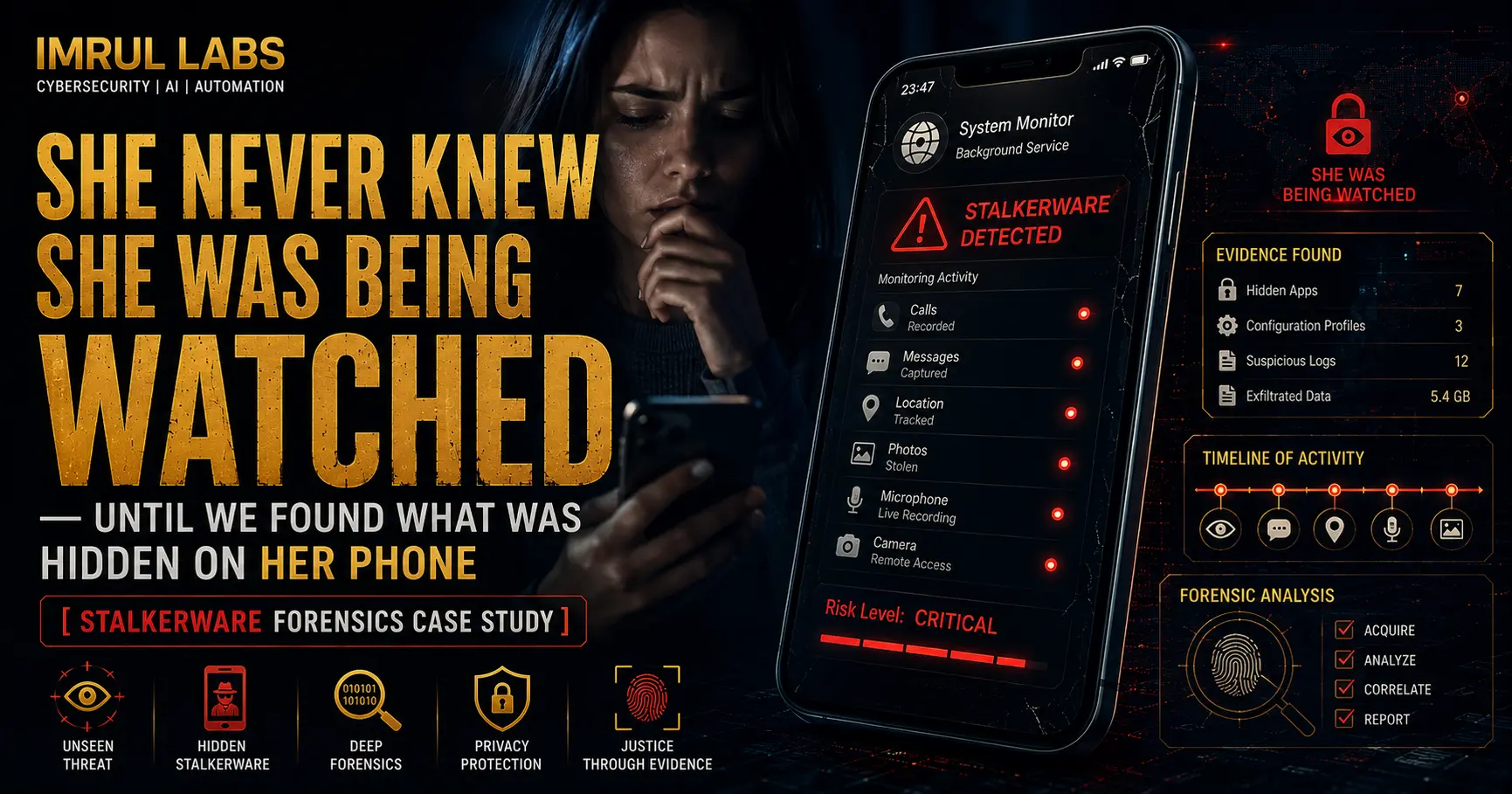
Stalkerware is one of the most invasive forms of digital abuse. Unlike corporate espionage or ransomware attacks, stalkerware is deeply personal — it is installed by someone the victim knows and trusts, often a romantic partner or someone they met online. The goal is control: tracking location, reading private messages, listening to calls, and accessing photos without the victim ever knowing.
In this case study, we walk through how our team at ImrulLabs remotely investigated and fully removed professional-grade stalkerware from a client’s Samsung Android device — installed by someone she met through a dating platform.
The Client’s Situation
A woman reached out to us after noticing a pattern of behavior that felt impossible to explain. The person she had been communicating with online seemed to know things about her — her location, private conversations, and even details of photos she had never shared. She suspected her phone had been compromised but had no idea how or when.
Her symptoms included:
- Battery draining unusually fast, even with minimal usage
- Phone heating up when idle
- Calls being auto-answered without her touching the device
- Outgoing messages she had not sent
- Personal photos being shared without her knowledge or consent
She had not installed any suspicious apps herself and had not clicked on any obvious phishing links. She came to us confused, frightened, and looking for answers.
Our Approach: Remote Android Forensics
Because the client was in a different location, we conducted the full investigation remotely. This is a controlled process — we do not require physical access to the device to perform a forensically sound analysis on Android.
1. Initial Triage and Artifact Collection
We began by guiding the client through a safe process to extract device artifacts without alerting the spyware or triggering any remote wipe functionality that may have been built into the malicious apps. We collected:
- Installed application list with package names and install timestamps
- Running process list and background service activity
- Battery and data usage statistics per application
- Device administrator list and accessibility service permissions
- Network connection logs
This initial triage immediately surfaced two suspicious applications that the client did not recognize and had not installed herself.
2. Identifying the Stalkerware
Both applications were professionally built — they did not appear in the standard app drawer, had no visible icon, and were disguised under generic-sounding system service names. This is a deliberate design choice used by commercial stalkerware vendors to avoid detection.
App 1: Location Tracking Module
The first application was a dedicated location tracking tool. It was silently logging the device’s GPS coordinates at regular intervals and transmitting them to a remote server. The app had been granted background location access and was configured to survive device reboots via a persistent boot receiver.
This is exactly the type of tool used to monitor someone’s physical movements in real time — where they go, how long they stay, and when they return home.
App 2: Communication Spy Module
The second application was a full-featured communication monitoring tool with capabilities including:
- Reading incoming and outgoing SMS messages
- Logging phone call metadata (numbers, duration, timestamps)
- Accessing the device microphone during calls
- Triggering auto-answer on incoming calls without user interaction
- Accessing the camera roll and syncing photos to a remote server
Both applications had been granted device administrator privileges, which is why they could not be uninstalled through normal means. They also had accessibility service permissions, which allowed them to operate across other apps — including WhatsApp and other messaging platforms.
3. Confirming the Installation Vector
Based on the install timestamps and the client’s account history, the apps were installed during a period when she had shared a link sent to her by the person she met online. The link appeared to be a harmless utility — a “photo sharing app” — but it was a social engineering lure. Once she tapped the link and followed the steps, it side-loaded the stalkerware components in the background.
This is a known attack vector. Victims are sent a convincing link, often framed as a game, utility, or romantic gesture, and the installation happens silently in the background. The apps then request permissions gradually, using misleading prompts to appear legitimate.
The Solution: Full Removal and Device Hardening
Once we had a complete picture of what was installed and how it operated, we walked the client through a step-by-step remote removal process.
1. Revoking Elevated Permissions
Before uninstalling the apps, we first revoked their device administrator and accessibility permissions. Attempting to uninstall stalkerware with active admin privileges will fail and may trigger a remote alert to the person monitoring the device.
2. Safe Uninstallation
With permissions revoked, we removed both applications cleanly. We also identified and removed residual components — background services and boot receivers that were registered separately from the main app packages, which would have allowed partial reactivation even after the main apps were deleted.
3. Checking for Additional Persistence
We performed a secondary scan to confirm no additional components remained. This included checking:
- System-level app directories for disguised packages
- Scheduled tasks and alarm manager entries used for delayed reactivation
- Cloud sync accounts that may have been added to the device without the client’s knowledge
No additional persistence was found. The device was clean.
4. Device Hardening
After removal, we helped the client secure the device against future compromise:
- Disabled installation from unknown sources
- Reviewed and cleaned up all app permissions
- Removed unauthorized Google accounts that had been silently added to the device
- Changed all account credentials from a clean, separate device before reconnecting accounts to the phone
The Results
The client’s phone returned to normal behavior immediately after removal. Battery life normalized, phantom messages and auto-answer behavior stopped, and she regained full control of her device and accounts.
Most importantly, she now understood exactly what had happened, how it worked, and what steps to take to protect herself going forward. We also documented the technical evidence of the stalkerware in detail, which she was able to use for her own records.
How to Find Hidden Spy Apps on Your Phone
If you are reading this because you suspect your own device may be compromised, here are the most reliable warning signs of stalkerware on an Android phone:
- Battery draining unusually fast even when the phone is idle
- Phone overheating without any obvious reason
- Unexpected data usage from apps you do not recognize
- Calls auto-answering or messages sending without your input
- Photos or conversations being known by someone who should not have access
- Unfamiliar apps in Settings > Apps, especially ones with generic names like “System Service” or “Phone Manager”
- Device administrator apps you did not enable (check Settings > Security > Device Admin Apps)
- Accessibility services granted to apps you do not recognize
Standard antivirus apps will not reliably detect commercial stalkerware. These tools are built to evade consumer security software. If you are seeing multiple signs from the list above, a professional forensic investigation is the only way to confirm what is on your device and remove it safely.
Worried Someone Is Spying on Your Phone?
If you suspect stalkerware on your Android device, do not factory reset your phone yet. A reset will destroy the forensic evidence and may not fully remove all components depending on how the stalkerware was installed.
Contact us first. We can remotely investigate your device, identify exactly what is installed, and remove it safely — without alerting the person monitoring you.
Explore our Mobile Phone Forensics Service to learn how we investigate compromised Android and iOS devices. For broader digital investigation needs, see our OSINT & Online Fraud Investigation service.
For more case studies, security guides, and practical insights, visit the ImrulLabs Blog.
Frequently Asked Questions
How do I know if someone installed spyware on my Android phone without me knowing? The most common signs include rapid battery drain, phone overheating when idle, unfamiliar apps in your settings, unexpected data usage, and calls or messages you did not initiate. Commercial stalkerware is designed to be invisible in the app drawer, so checking Settings > Apps > All Apps and Settings > Security > Device Admin Apps is more reliable than looking at your home screen.
Can stalkerware be installed remotely without touching my phone? Not in the traditional sense. Physical access or a social engineering link is typically required for the initial installation. However, once installed, the stalkerware can be managed, updated, and controlled entirely remotely by the person who installed it.
Will a factory reset remove stalkerware from my Android? In most cases, yes — but not always. Some advanced stalkerware components target device partitions that survive a factory reset, particularly on rooted devices. More importantly, a factory reset destroys forensic evidence that may be useful if you plan to report the abuse. We recommend a professional investigation before resetting.
Is it illegal for someone to install stalkerware on my phone? In most countries and jurisdictions, installing monitoring software on someone’s device without their knowledge or consent is illegal, regardless of your relationship with them. The evidence collected during a forensic investigation can support a legal case.
How does ImrulLabs investigate Android stalkerware remotely? We use a structured remote forensic process that collects device artifacts, installed package data, running service logs, and network behavior without requiring physical access to your device. This process is designed to be non-disruptive and does not alert the person monitoring you. Every investigation ends with a complete technical report.
📌 Suspect your phone has hidden spy apps? ImrulLabs provides confidential, forensic-grade mobile investigation for individuals in sensitive situations. Book a Confidential Consultation →